
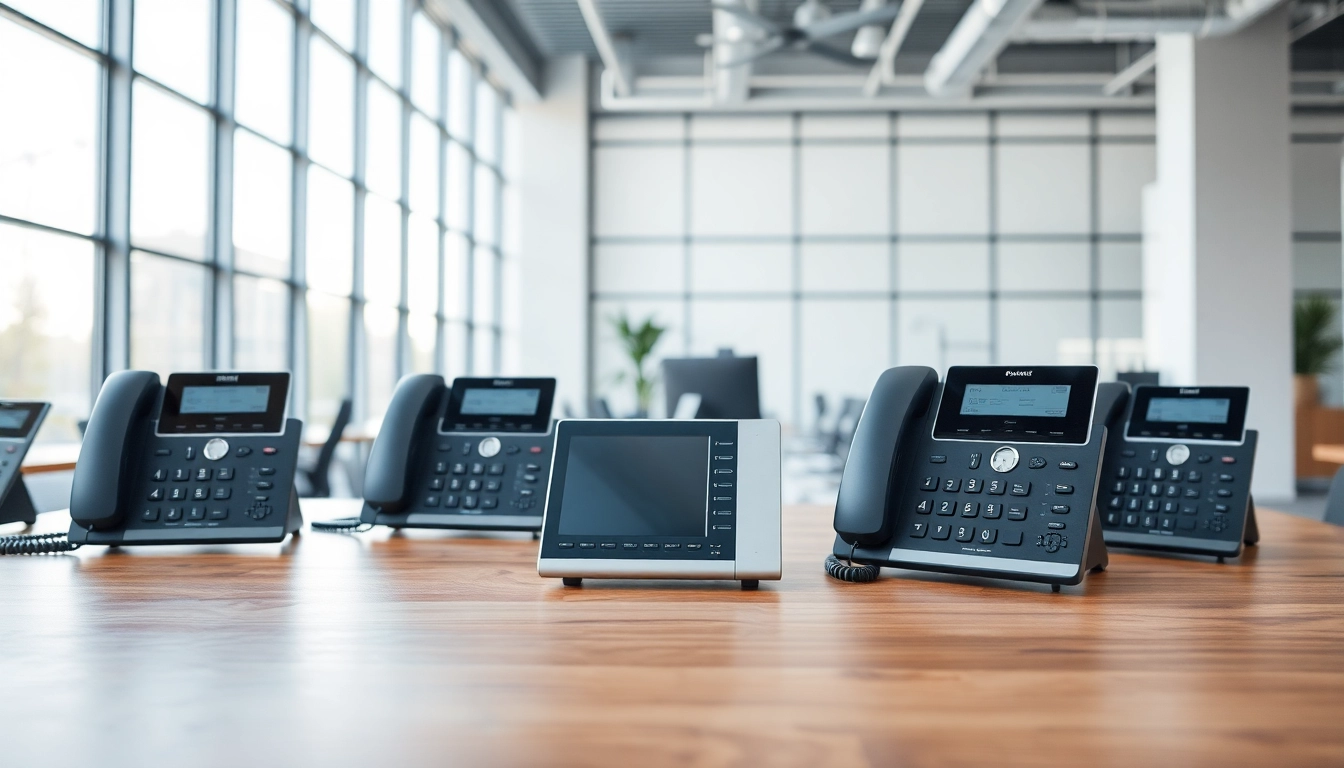
Understanding Office Phone Systems
What Are Office Phone Systems?
Office phone systems are essential communication tools that facilitate internal and external communications within a business. They serve as a bridge connecting employees, clients, and stakeholders through voice calls, video calls, and sometimes even messaging capabilities. The technological evolution of these systems has witnessed a shift from traditional landlines to more advanced VoIP (Voice over Internet Protocol) systems that offer additional features such as conferencing, call forwarding, and integration with other business applications. For companies looking to streamline communication, understanding office phone systems is crucial for maximizing productivity and maintaining professional relationships.
Benefits of Office Phone Systems
Investing in a robust office phone system can yield numerous benefits for organizations of all sizes. Some of the most notable advantages include:
- Improved Communication: By consolidating all communication channels into a single system, teams can collaborate more effectively.
- Cost Efficiency: Many modern systems, particularly VoIP, reduce costs associated with long-distance calls and maintenance.
- Scalability: As a business grows, so can its phone system, allowing for the addition of new lines and features as needed.
- Enhanced Features: Advanced functionalities like voicemail-to-email, call analytics, and integration with CRM systems streamline operations and improve efficiency.
- Mobility: Many office phone systems support mobile apps, enabling employees to stay connected while working remotely or traveling.
Types of Office Phone Systems
There are several types of office phone systems, each with its unique features and functionalities. Understanding these can help businesses choose the right system for their needs:
- Traditional Landline Systems: These systems operate using copper wires and are primarily used for voice calls.
- VoIP Systems: Utilizing internet connectivity, VoIP systems convert voice signals into digital data, offering superior flexibility and features.
- Private Branch Exchange (PBX): A private exchange that connects calls internally and externally, often featuring advanced functionalities.
- Hosted Phone Systems: In this setup, the phone system is managed by a third-party provider, reducing on-site hardware costs.
- Unified Communication Systems: These systems integrate voice, video, and messaging into one platform, enhancing interoperability across channels.
Choosing the Right Office Phone Systems for Your Business
Assessing Your Business Needs
When selecting an office phone system, it’s essential to assess your business needs thoroughly. Start by considering the scale of your operations, the number of users, and the type of features that would enhance productivity. Engage with your team to understand their communication preferences and challenges. Additionally, consider future growth and how your chosen system can adapt or scale over time. A system that meets your current needs but can also accommodate future innovations can save your business from costly transitions later.
Comparing Different Options
Once business needs are clearly defined, it’s time to compare available options. Each type of office phone system has its pros and cons, which may apply differently based on specific business contexts. Analyzing factors such as cost, features, installation requirements, and ongoing maintenance will help narrow down suitable candidates. Use an evaluation matrix to compare the systems side by side concerning performance metrics and user feedback, ensuring the selected system aligns with your strategic objectives.
Budget Considerations
Budgeting is a critical aspect when implementing an office phone system. Determine initial setup costs, including hardware, software, and installation. Additionally, consider long-term expenses such as subscriptions, maintenance, and potential upgrade costs. While an affordable system may seem attractive initially, make sure it covers all necessary features efficiently without hidden costs. Look into financing options or package deals that might offer long-term savings, enabling businesses to get the best without stretching their budgets.
Installation and Setup of Office Phone Systems
Planning the Installation Process
The installation process for office phone systems can significantly impact functionality. Proper planning involves outlining a timeline, resource allocation, and configuration settings for the chosen system. Assign roles to specific team members, ensuring everyone understands their responsibilities during installation. It’s advisable to create a checklist to ensure all components are accounted for, and consider scheduling the installation during off-peak hours to minimize disruption during the transition.
Common Setup Challenges
Installing office phone systems can come with various challenges, such as network bandwidth issues, user resistance to new technologies, and integration hurdles with existing systems. Identifying these potential roadblocks in advance allows for strategic planning. For instance, ensure that your network infrastructure can handle VoIP traffic efficiently, and provide training sessions to familiarize employees with the new system to mitigate resistance.
Expert Installation Tips
To optimize the installation process, consider the following expert tips:
- Work with Professionals: If possible, engage with experienced installers or consultants who can provide insights based on best practices.
- Test Before Going Live: Conduct thorough testing of the system before full implementation to identify any issues that need addressing.
- Document the Setup: Keep records of the configuration settings and processes for troubleshooting and future reference.
- Train Staff: Provide comprehensive training to ensure employees are comfortable using the new system and aware of all its features.
Optimizing Performance of Office Phone Systems
Regular Maintenance Practices
To ensure long-term efficiency, regular maintenance of office phone systems is crucial. Schedule routine checks to identify potential issues, ensuring all components function optimally. This includes updating software, checking for security vulnerabilities, and testing call quality. Regular training refreshers for staff can also keep everyone updated on new features and best practices to enhance productivity.
Updating Features and Software
Business needs evolve, and so should your office phone system. Regularly assess and update features to meet the changing demands of your organization. Most systems provide automatic updates; however, manual updates should not be neglected, especially concerning security patches. Ensure that your team is notified about new features and trained on how to utilize them effectively, allowing them to maximize the system’s potential fully.
Training Staff Effectively
Effective training is a determinant of how well an office phone system performs within a business. Develop a structured training program that includes hands-on practice and comprehensive resources. Consider utilizing manuals, video tutorials, and workshops to cater to different learning styles. Post-training assessments can help gauge understanding and identify areas that may require additional focus.
Troubleshooting Common Issues with Office Phone Systems
Identifying Issues Promptly
Proactive monitoring is key to identifying issues with office phone systems. Encourage employees to report problems immediately, detailing the symptoms to facilitate quicker resolutions. Regularly reviewing call logs can highlight patterns indicative of systemic issues. Timely identification can prevent minor obstacles from escalating into major operational disruptions.
DIY Troubleshooting Techniques
Many common issues can be resolved through DIY techniques. Encourage team members to utilize simple troubleshooting steps such as checking connections, rebooting devices, or validating network status. Create a troubleshooting guide that outlines common issues and their resolutions to empower staff to address minor concerns without waiting on IT support.
When to Call for Professional Help
While many issues can be resolved internally, some situations may require expert intervention. Be prepared to contact professional support when faced with complex problems such as persistent connectivity issues, security breaches, or system malfunctions that disrupt critical business operations. Having a support agreement in place with service providers can expedite getting the help needed to resolve significant disruptions promptly.
FAQs about Office Phone Systems
What is the difference between VoIP and traditional phone systems?
VoIP uses the internet for communication, offering enhanced features and lower costs compared to traditional landline systems that rely on physical wiring.
How can I determine which office phone system suits my business?
Assess your business needs, budget, and desired features. Comparing different systems and consulting with experts can help make a well-informed decision.
What are the costs associated with office phone systems?
Costs typically include initial setup, hardware, monthly subscription fees, maintenance, and potential upgrades. Consider all these factors when budgeting.
Is installation of office phone systems complicated?
Installation complexity varies based on the system type. While basic setups can be straightforward, advanced systems may require professional assistance.
How often should I maintain my office phone system?
Regular maintenance should be conducted at least quarterly, but more frequent checks may be necessary depending on usage and system complexity.